Parts of a User Manual - Technical Writing Essentials
Parts of a User Manual: A Simple Guide for Beginners
A user manual is one of the most important documents that accompany a product. Whether it is a smartphone, a household appliance, a piece of software, or industrial equipment, the manual helps users understand how to set up, use, and maintain the product safely and effectively.
Good manuals are clear, structured, and easy to navigate. They guide users step-by-step and reduce confusion, errors, and unnecessary customer support queries.
In this article, we explore the essential parts of a user manual and why each section matters.
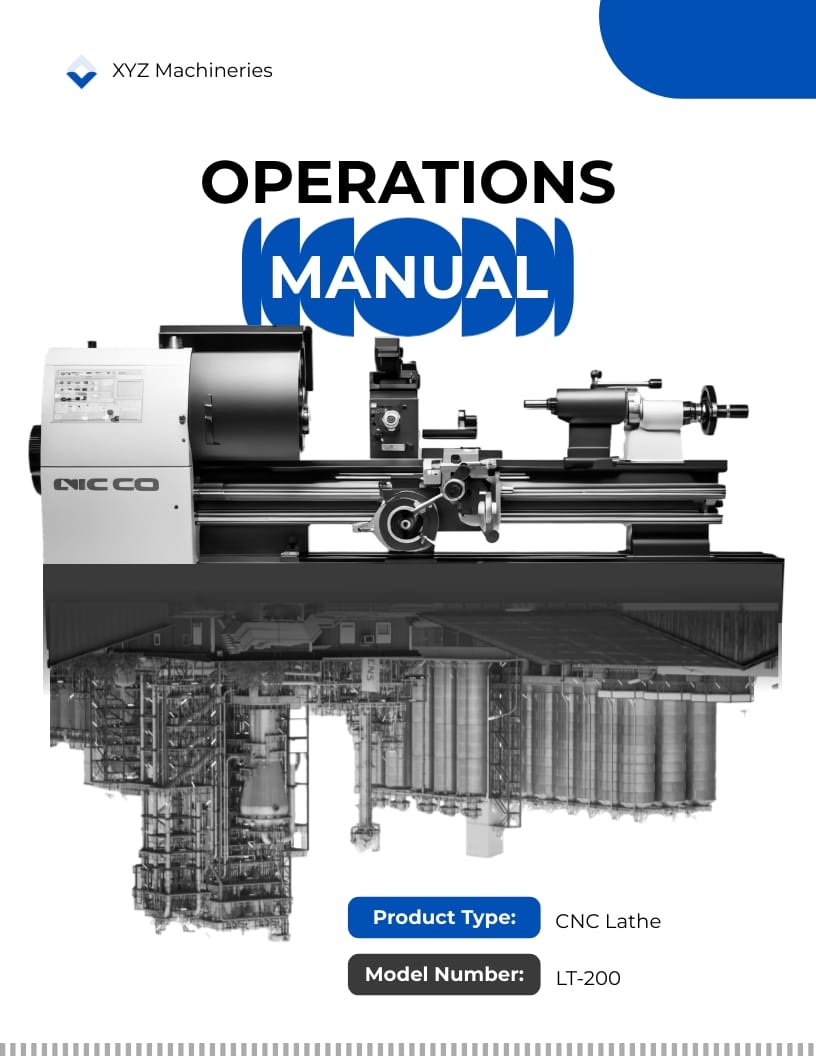
1. Cover Page
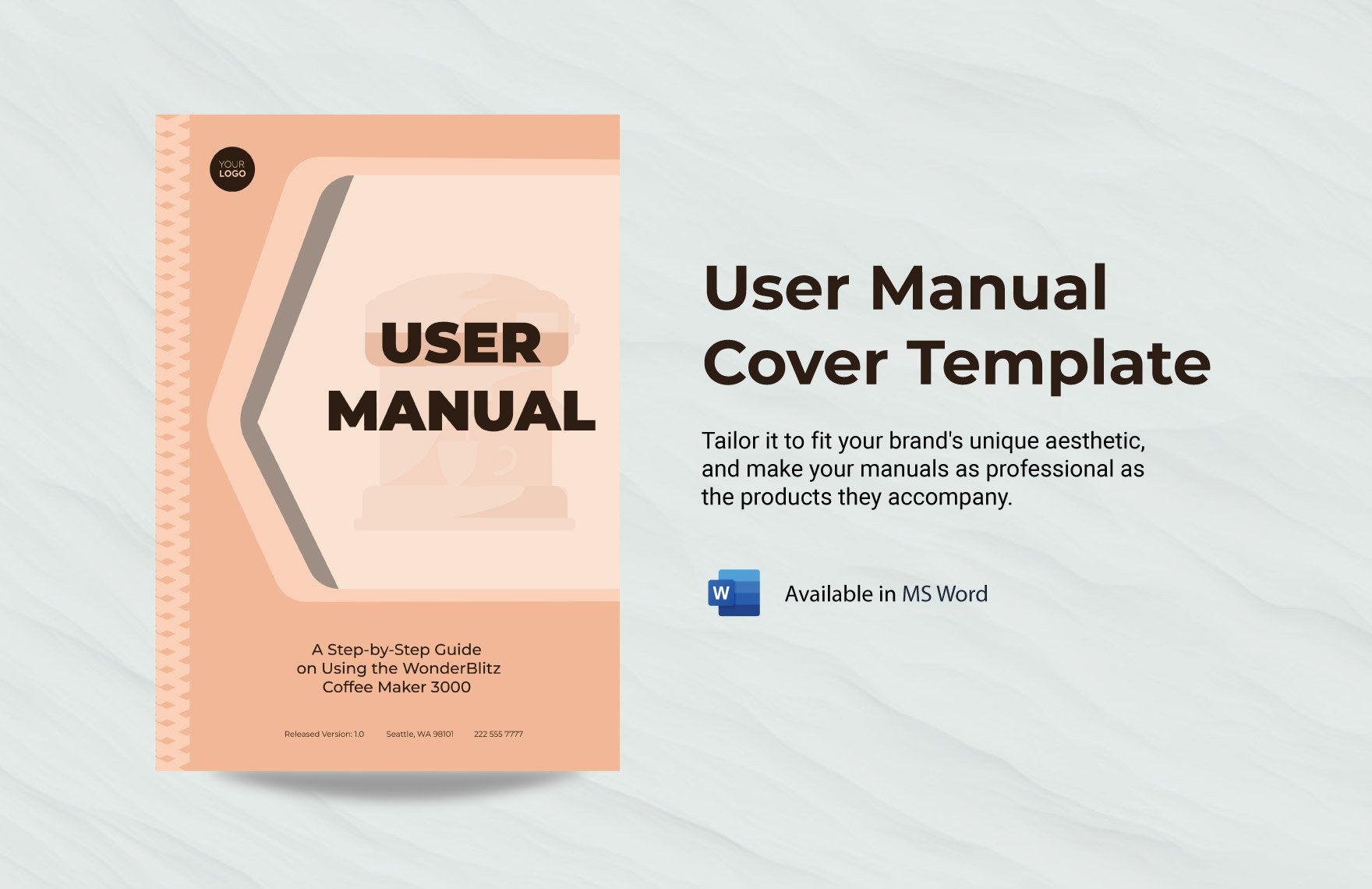

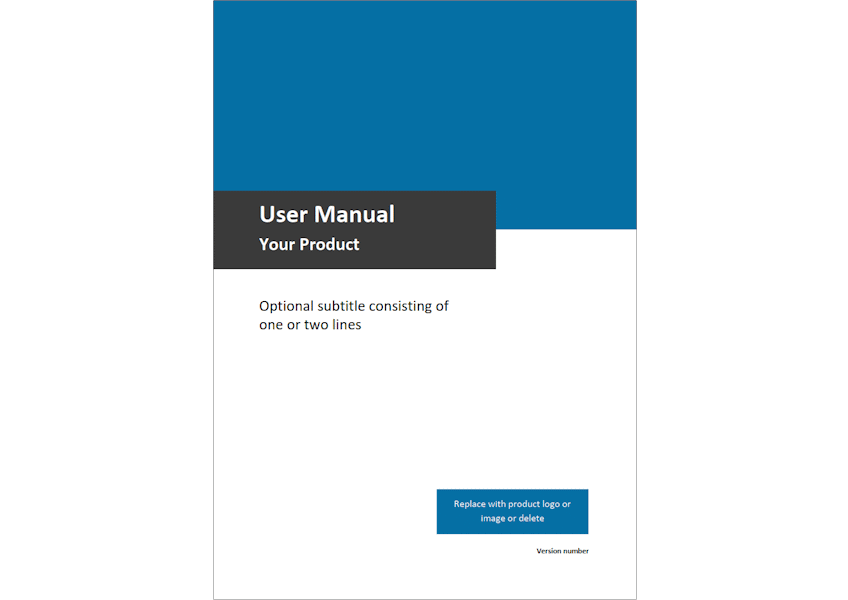
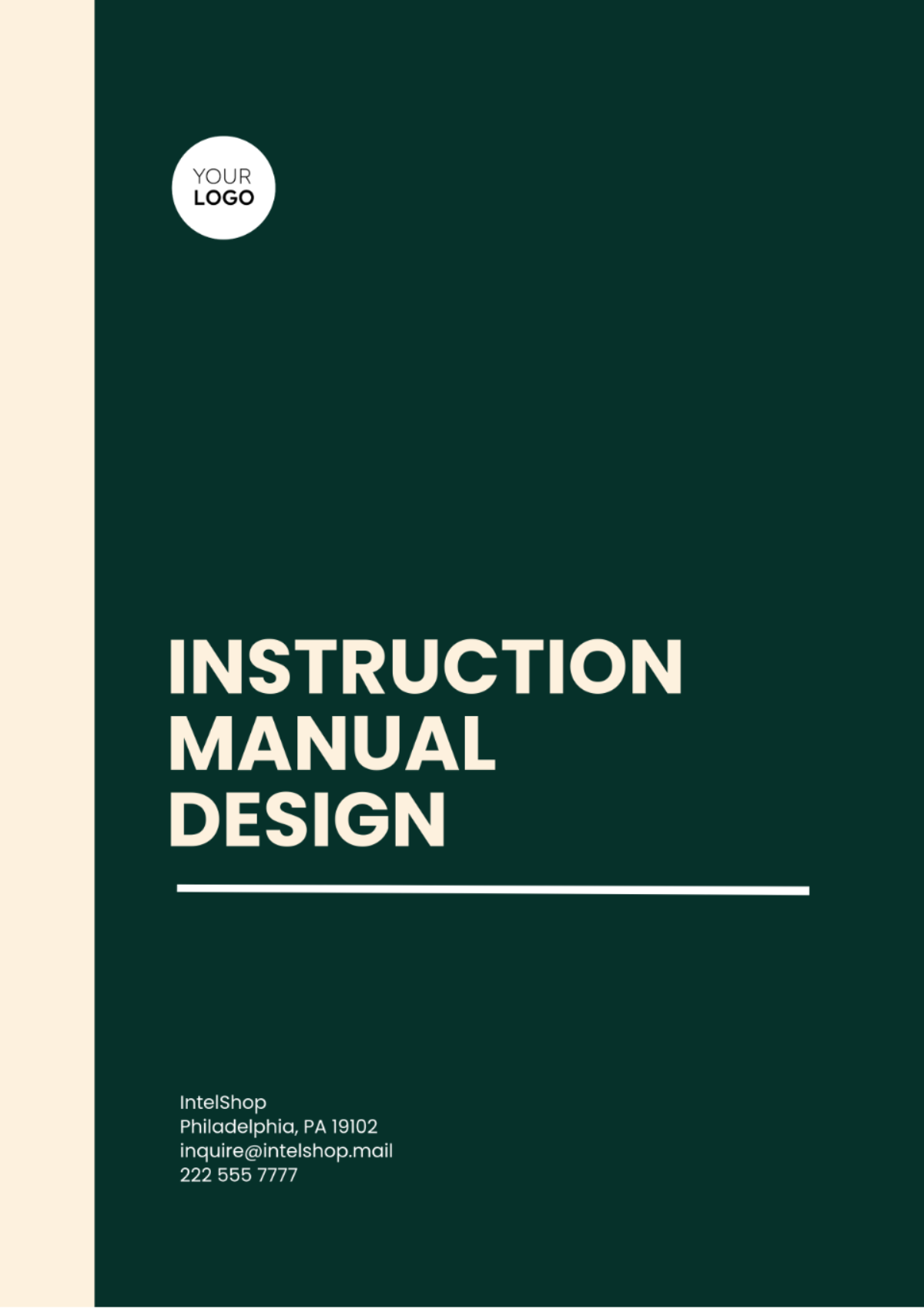
The cover page is the first thing a reader sees. It provides the basic identity of the document and the product it explains.
A typical cover page includes:
Product name and model number
Title of the document (User Manual / Instruction Guide)
Company name and logo
Version or edition number
Publication date
Sometimes an image of the product
This page helps users quickly confirm that they are reading the correct manual for their device.
2. Table of Contents
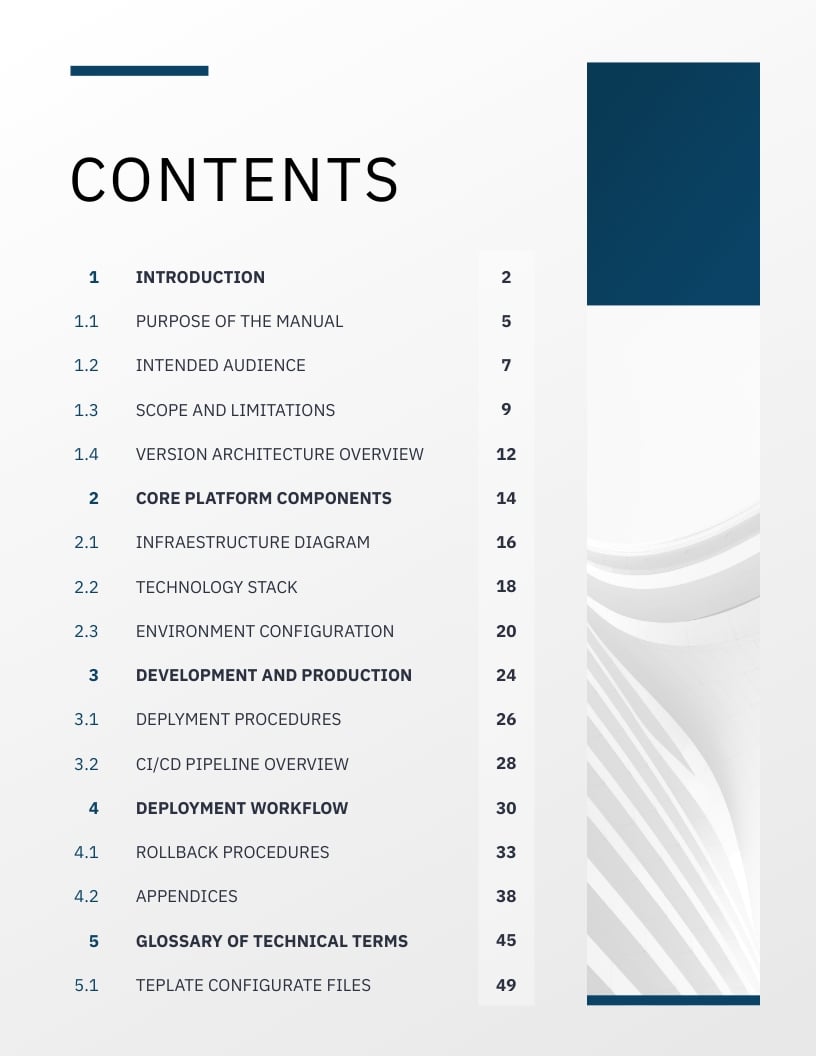
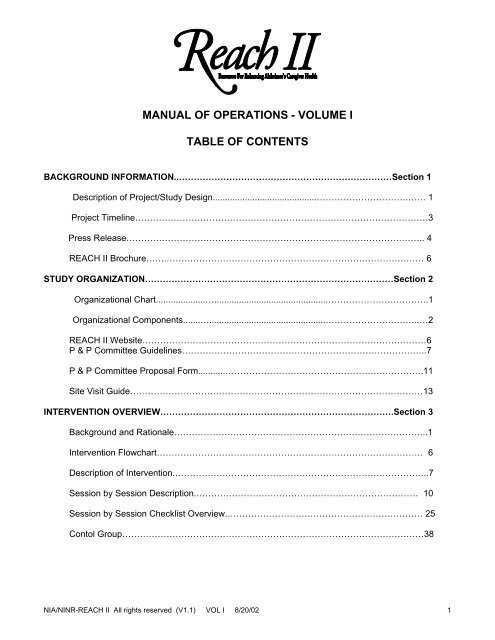
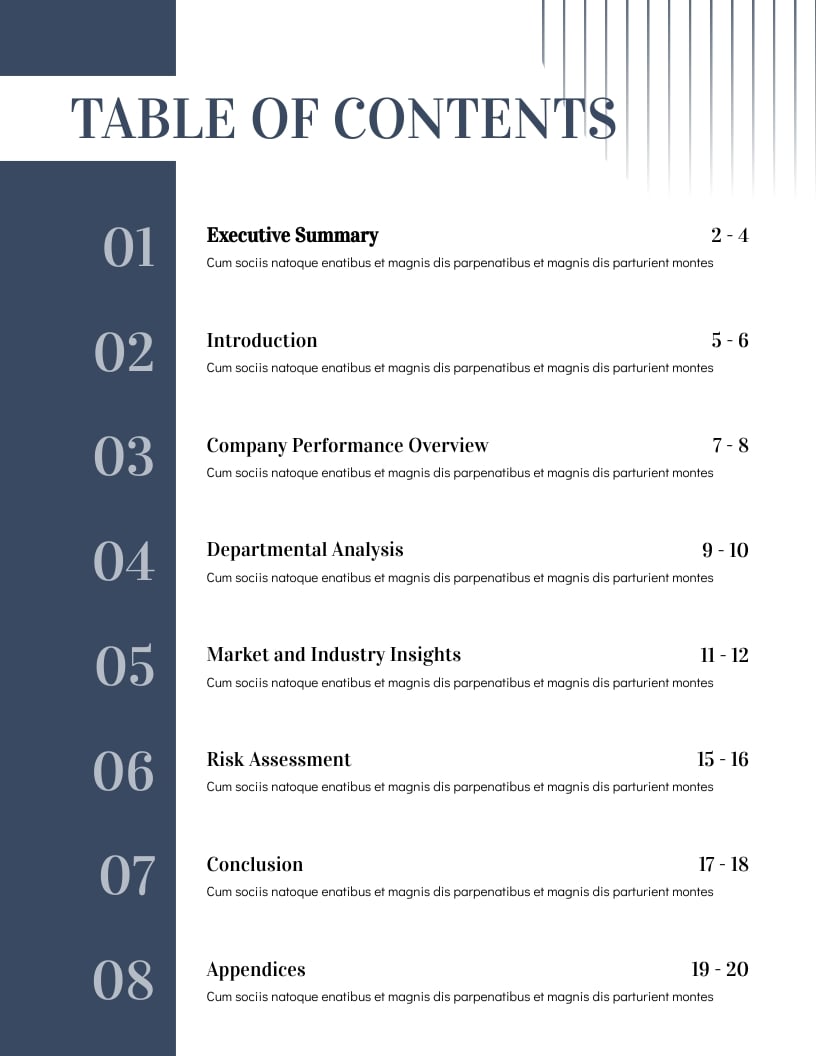

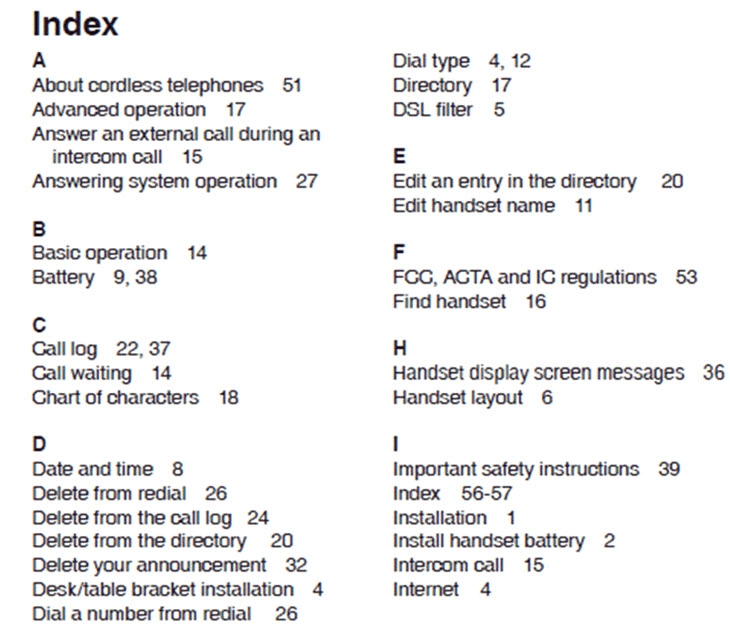
The table of contents acts as a navigation tool. It lists all the sections and subsections of the manual along with page numbers.
Since most users do not read manuals from beginning to end, the table of contents allows them to jump directly to the section they need, such as installation or troubleshooting.
3. Introduction
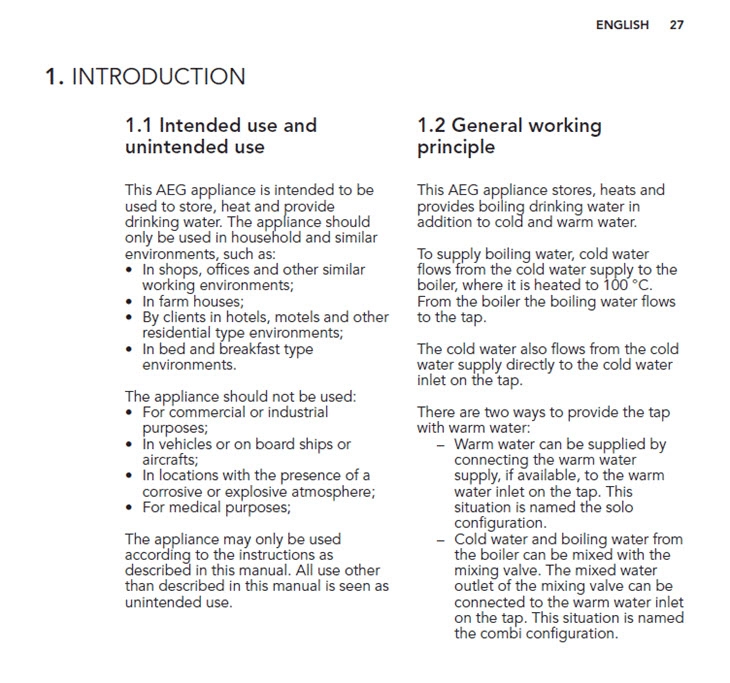
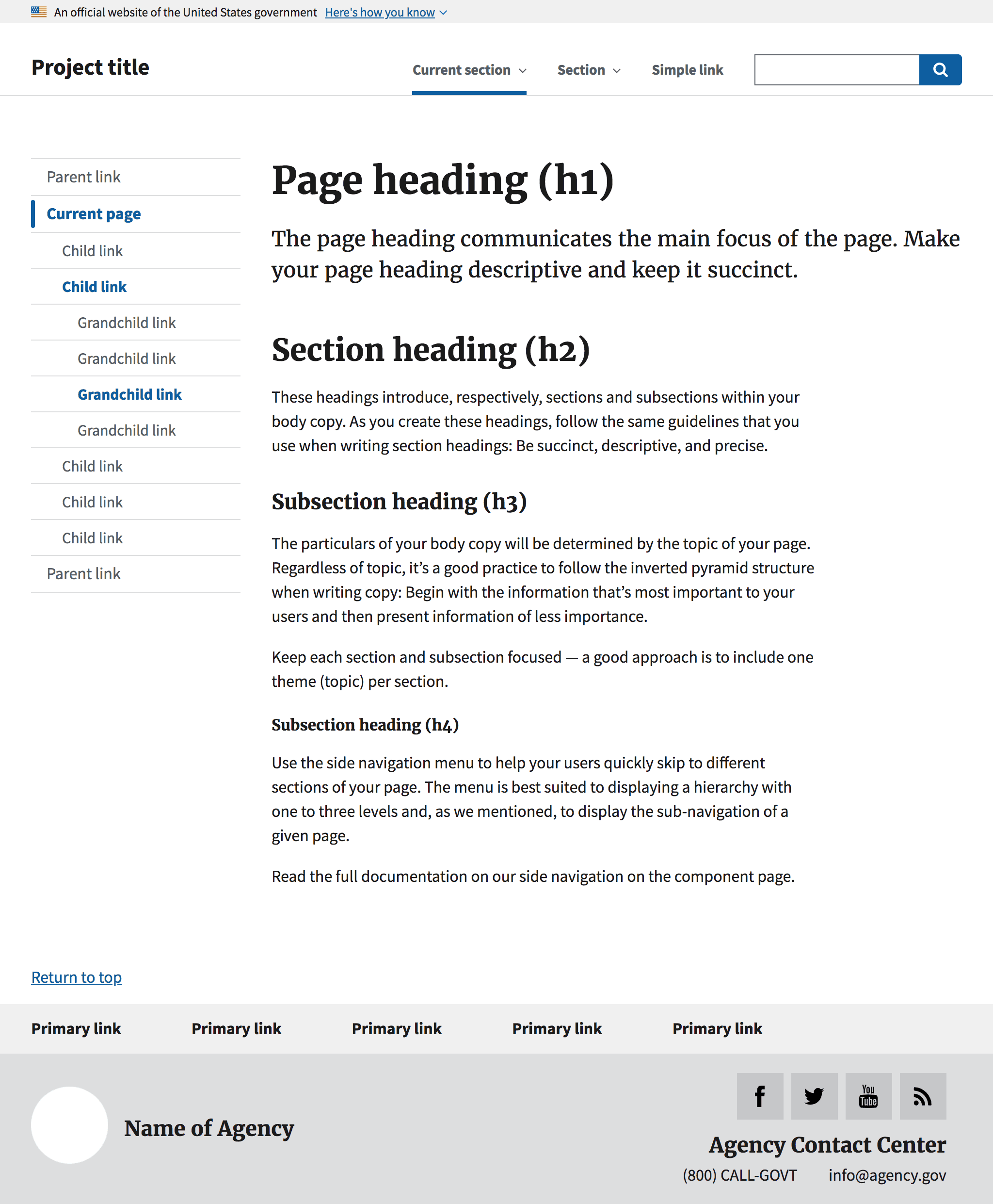
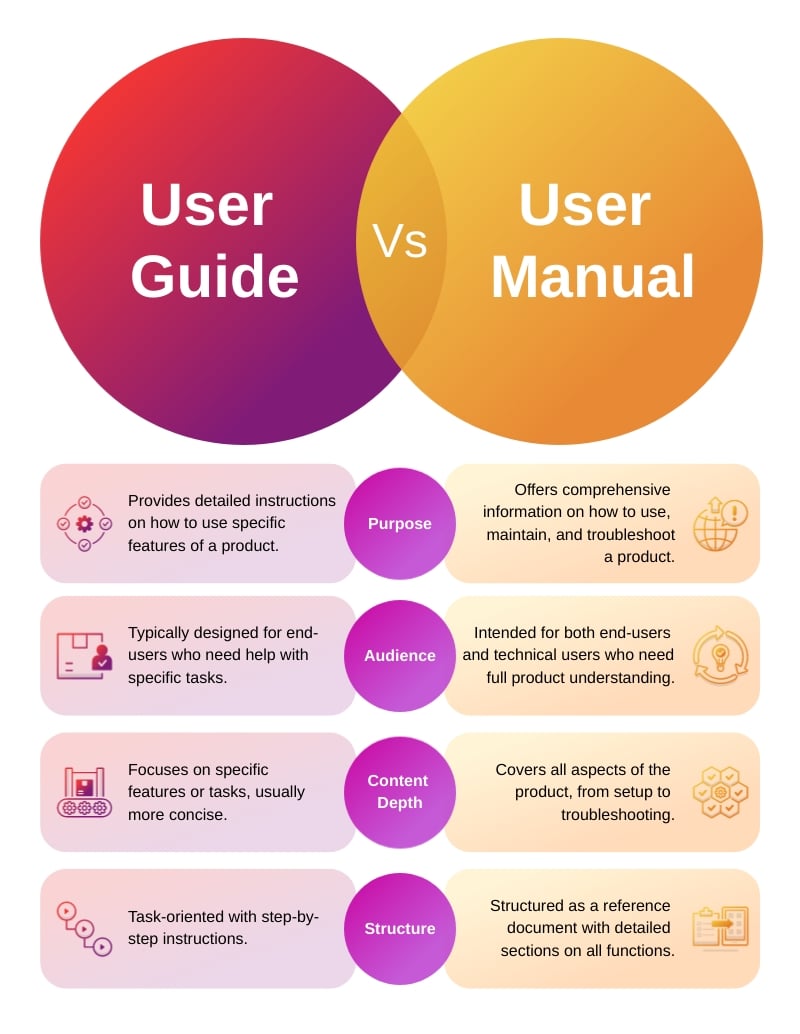
The introduction provides a brief overview of the product and the purpose of the manual.
This section typically explains:
What the product is designed for
Who the intended users are
What information the manual contains
Any symbols, icons, or conventions used in the guide
The introduction prepares the reader and helps them understand how to use the manual effectively.
4. Safety Instructions
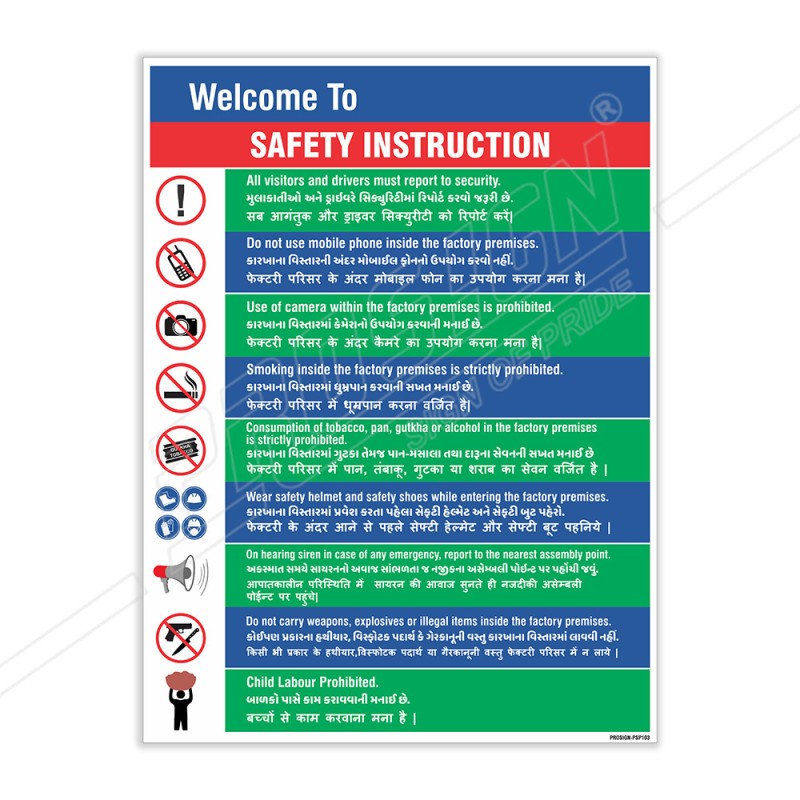


Safety is a critical part of any user manual, especially for electrical devices, machinery, and tools.
The safety instructions section highlights potential hazards and precautions that users must follow before operating the product.
It may include:
Warning and caution messages
Safety symbols
Guidelines to prevent injury or damage
Environmental or electrical safety instructions
Clear safety information protects both the user and the manufacturer.
5. Product Description and Specifications
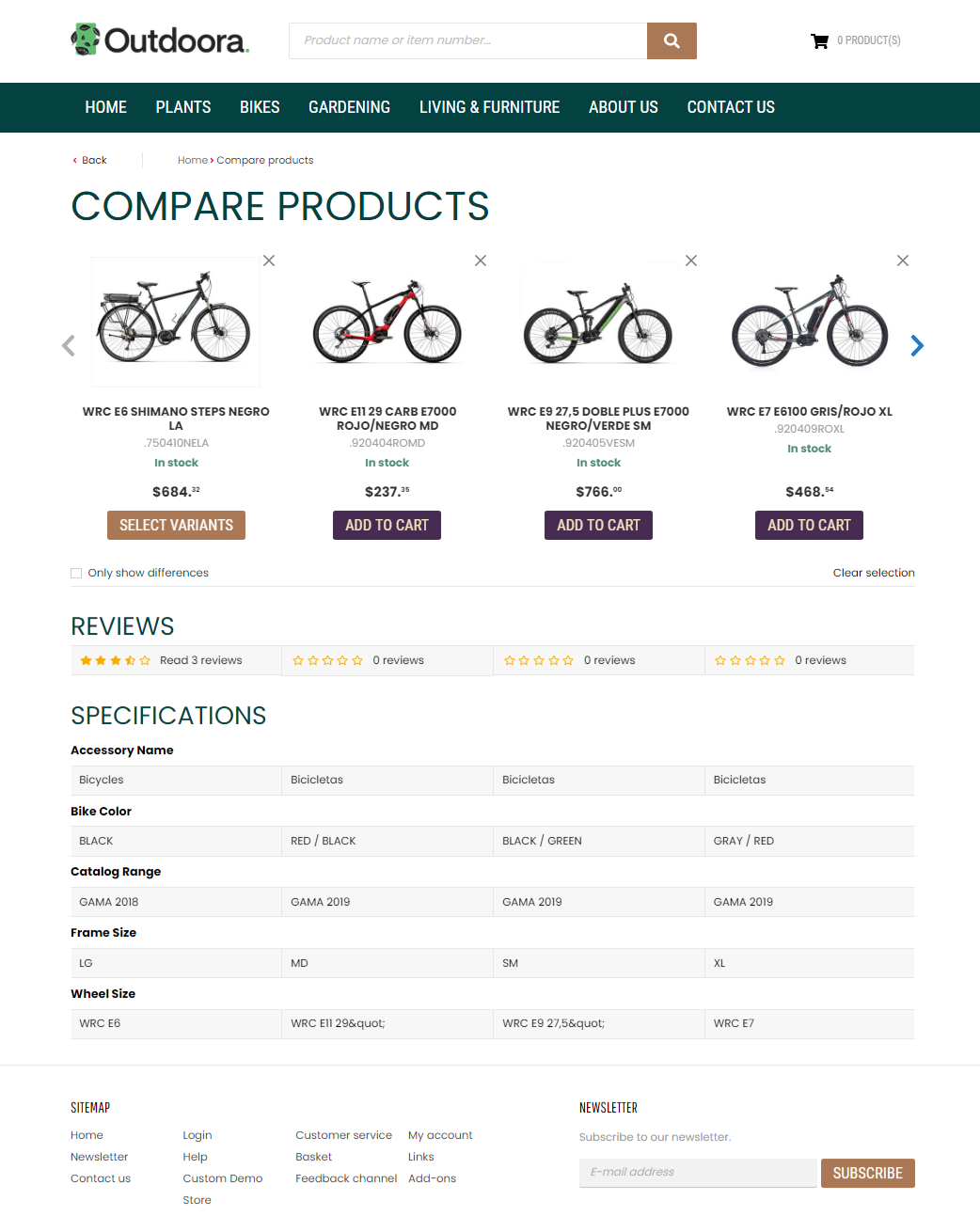

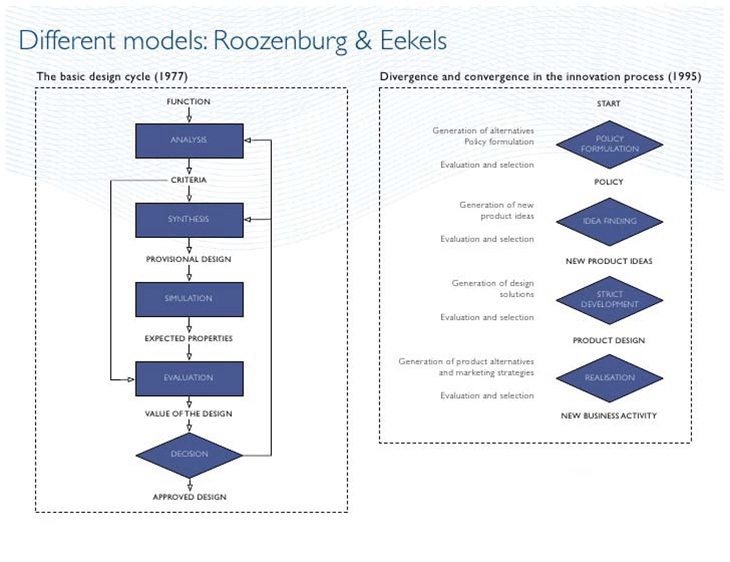

Before using a product, users need to understand its features and components.
This section usually contains:
An overview of the product
Diagrams showing different parts
Descriptions of controls and buttons
Technical specifications such as size, power requirements, or compatibility
Providing a clear description helps users become familiar with the product.
6. Installation Instructions


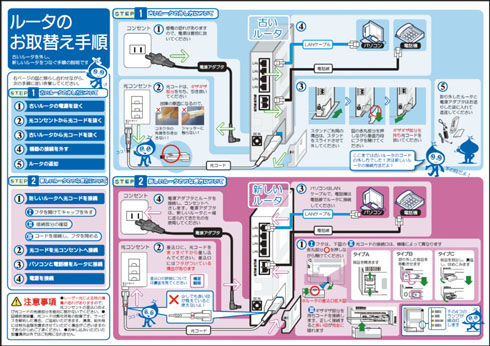

The installation section explains how to set up the product before using it.
This part often includes:
Required tools or accessories
Step-by-step installation procedures
Setup diagrams or screenshots
Initial configuration instructions
Well-written installation instructions ensure that users start using the product correctly from the beginning.
7. Operating Instructions


The operating instructions section is the core of the user manual. It explains how the product works and how users can perform different tasks.
Typical content includes:
How to turn the product on and off
Step-by-step usage procedures
Explanation of controls, buttons, or menus
Examples of common tasks
This section should be written clearly so that even first-time users can follow the instructions easily.
8. Troubleshooting Guide

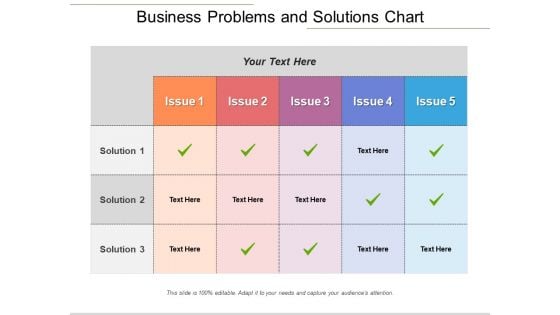


Even well-designed products can sometimes encounter problems. The troubleshooting section helps users identify and fix common issues.
This information is usually presented in a simple table:
| Problem | Possible Cause | Solution |
|---|---|---|
| Device not turning on | Battery drained | Recharge or replace battery |
A troubleshooting guide can save users time and reduce the need for technical support.
9. Maintenance and Care

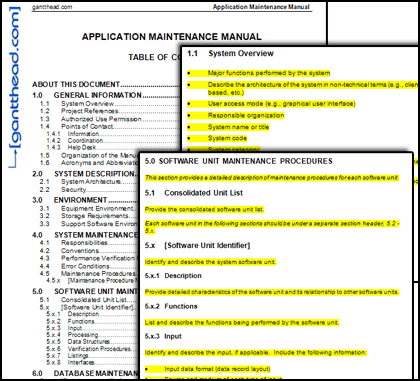

To ensure long-term performance, many products require regular maintenance.
This section may include:
Cleaning instructions
Storage guidelines
Periodic inspection or servicing recommendations
Replacement of parts such as filters or batteries
Proper maintenance helps extend the life of the product.
10. FAQ (Frequently Asked Questions)

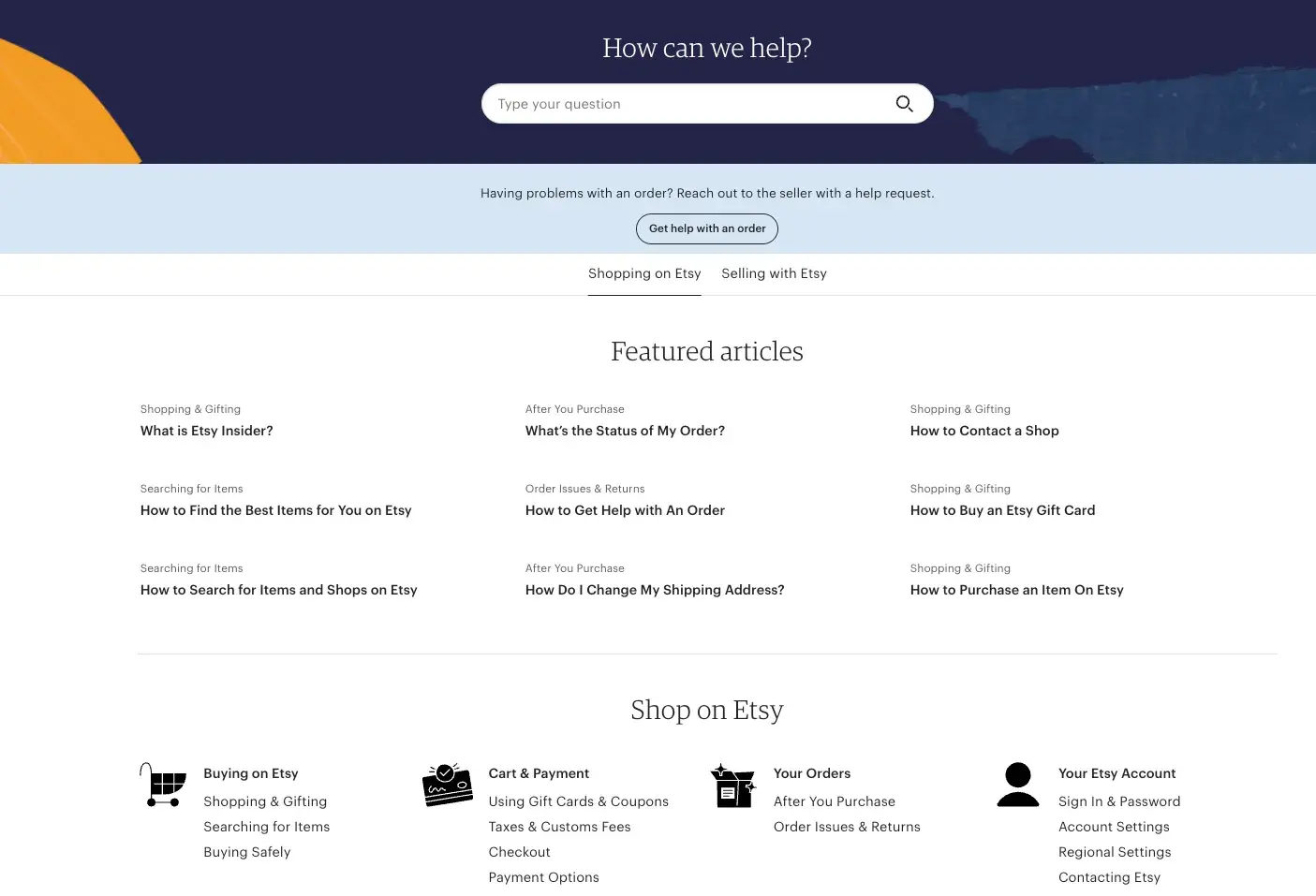
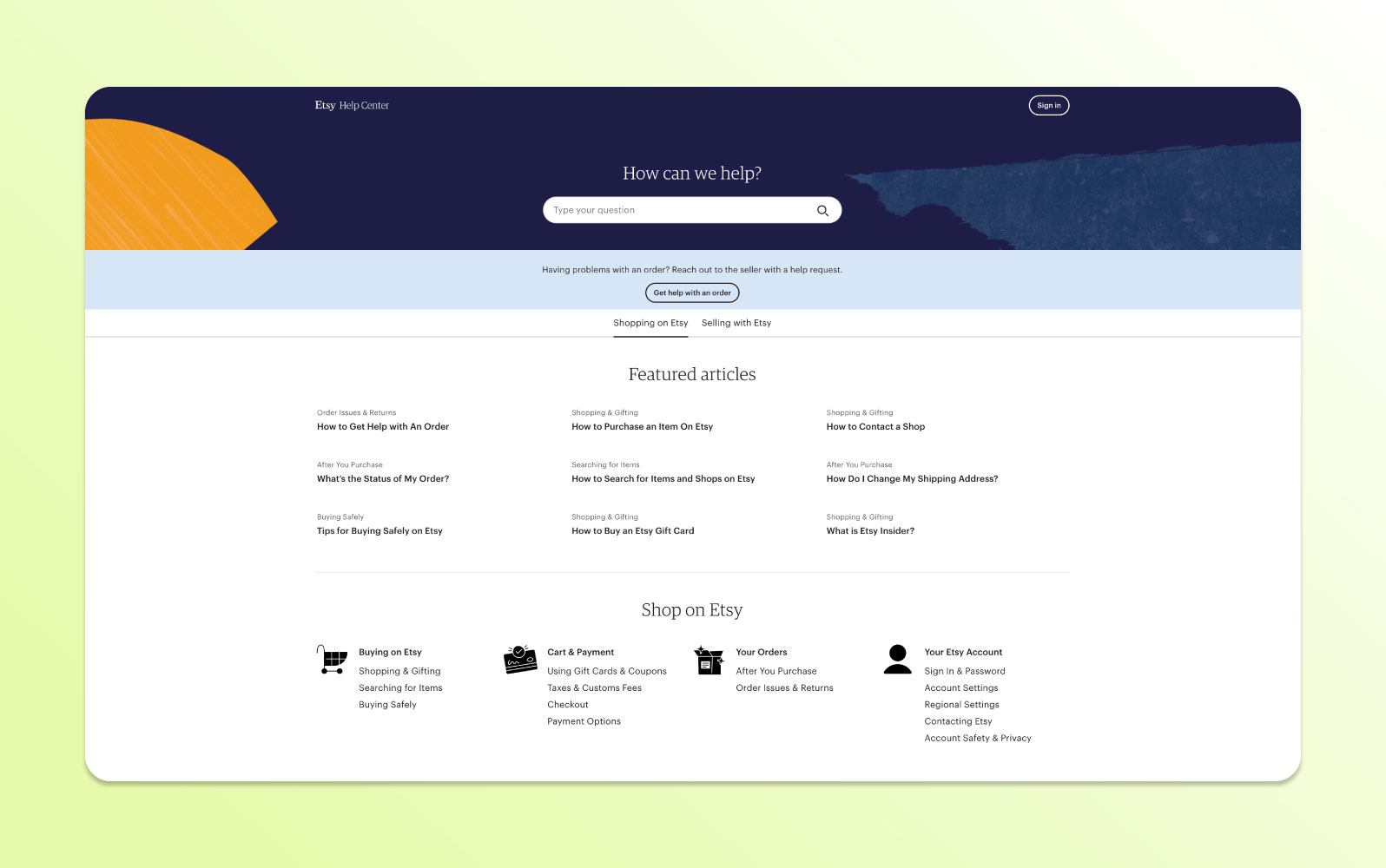
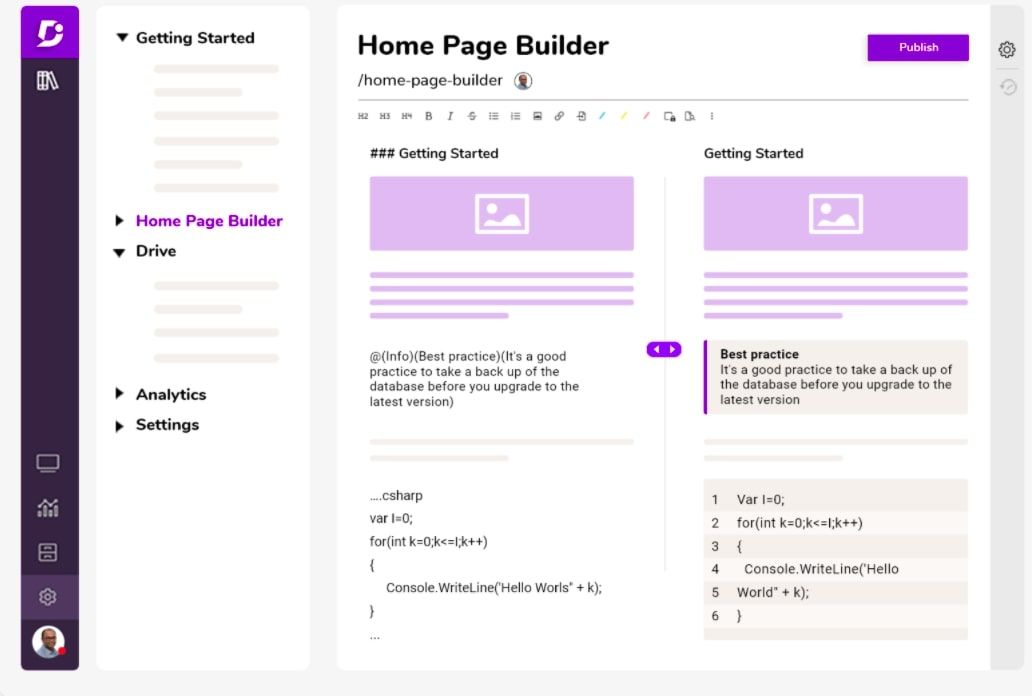
The FAQ section answers common questions users might have about the product.
For example:
How do I reset the device?
What should I do if the device stops responding?
Can the product be used outdoors?
This section provides quick solutions and improves user experience.
11. Glossary
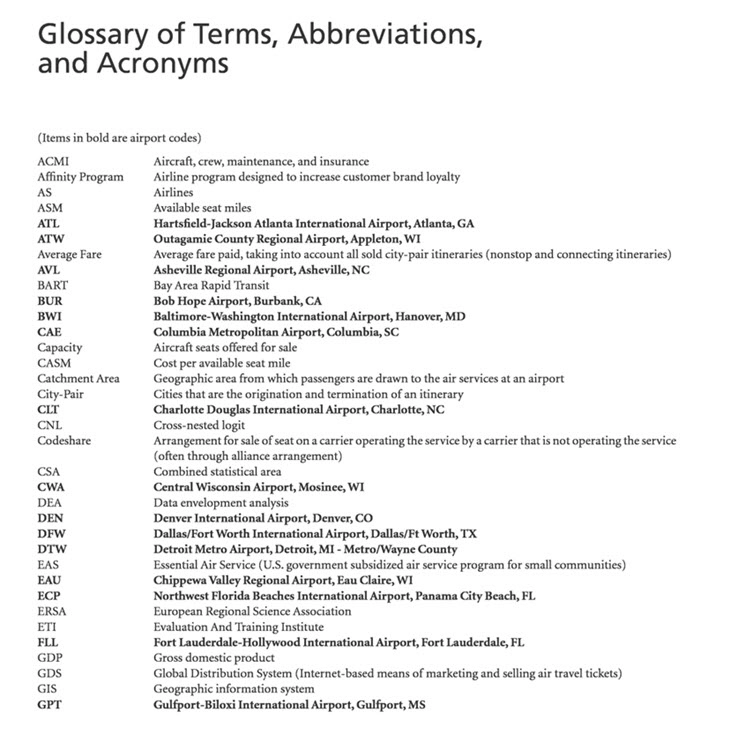


Many manuals contain technical terms that may not be familiar to all users.
The glossary provides simple definitions of these terms.
For example:
Firmware: Software that is permanently programmed into a hardware device.
A glossary helps make the manual more accessible to a wider audience.
12. Index
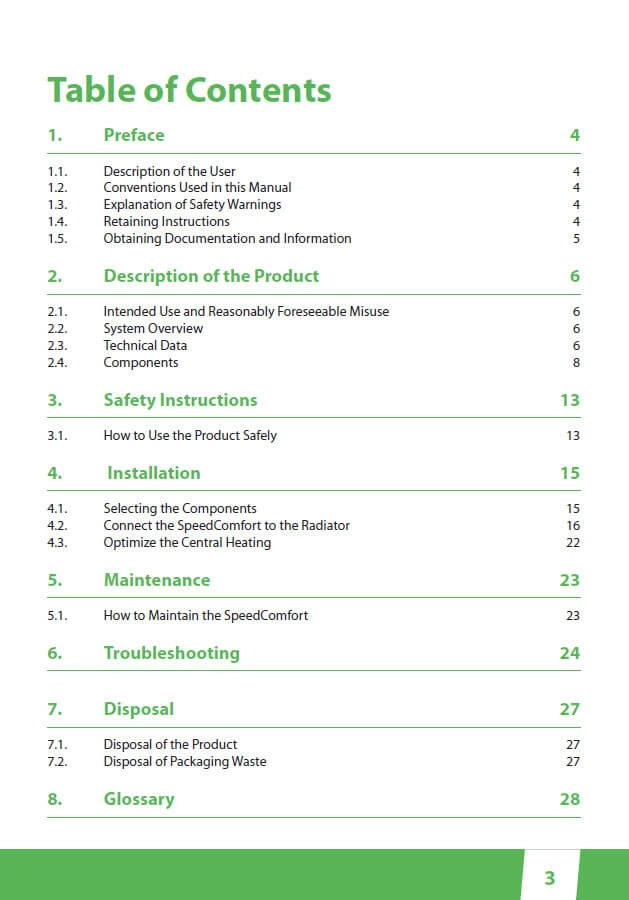
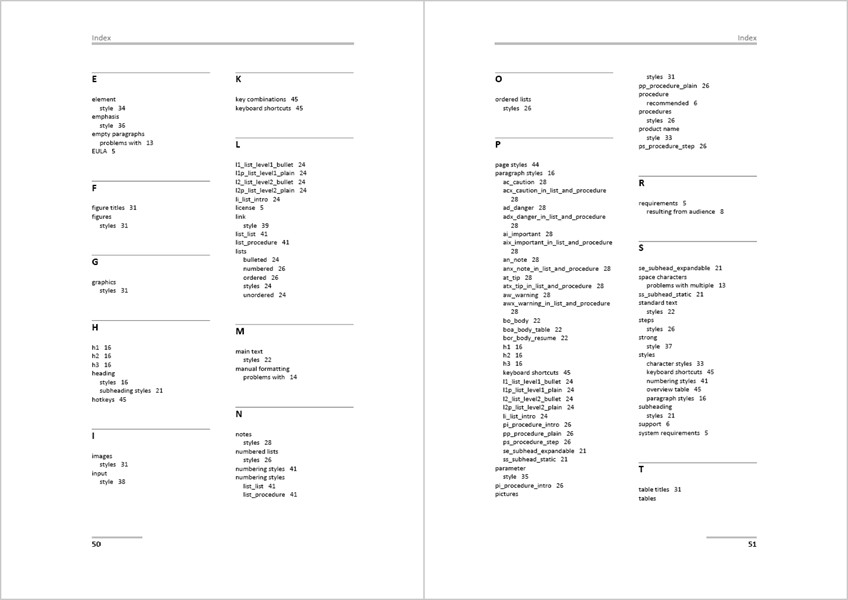


The index is usually placed at the end of the manual. It lists important topics in alphabetical order along with page numbers.
This allows readers to quickly locate specific information without searching through the entire document.
Final Thoughts
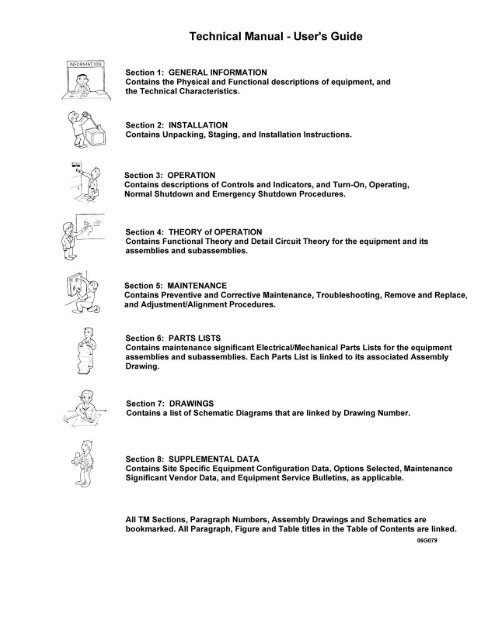
A well-structured user manual makes a significant difference in how users experience a product. By organizing information into clear sections—such as introduction, installation, operation, troubleshooting, and maintenance—technical writers ensure that users can find answers quickly and use products confidently.
Whether you are designing software documentation or writing instructions for a consumer device, understanding the core components of a user manual is essential for creating effective technical documentation.

Comments
Post a Comment